

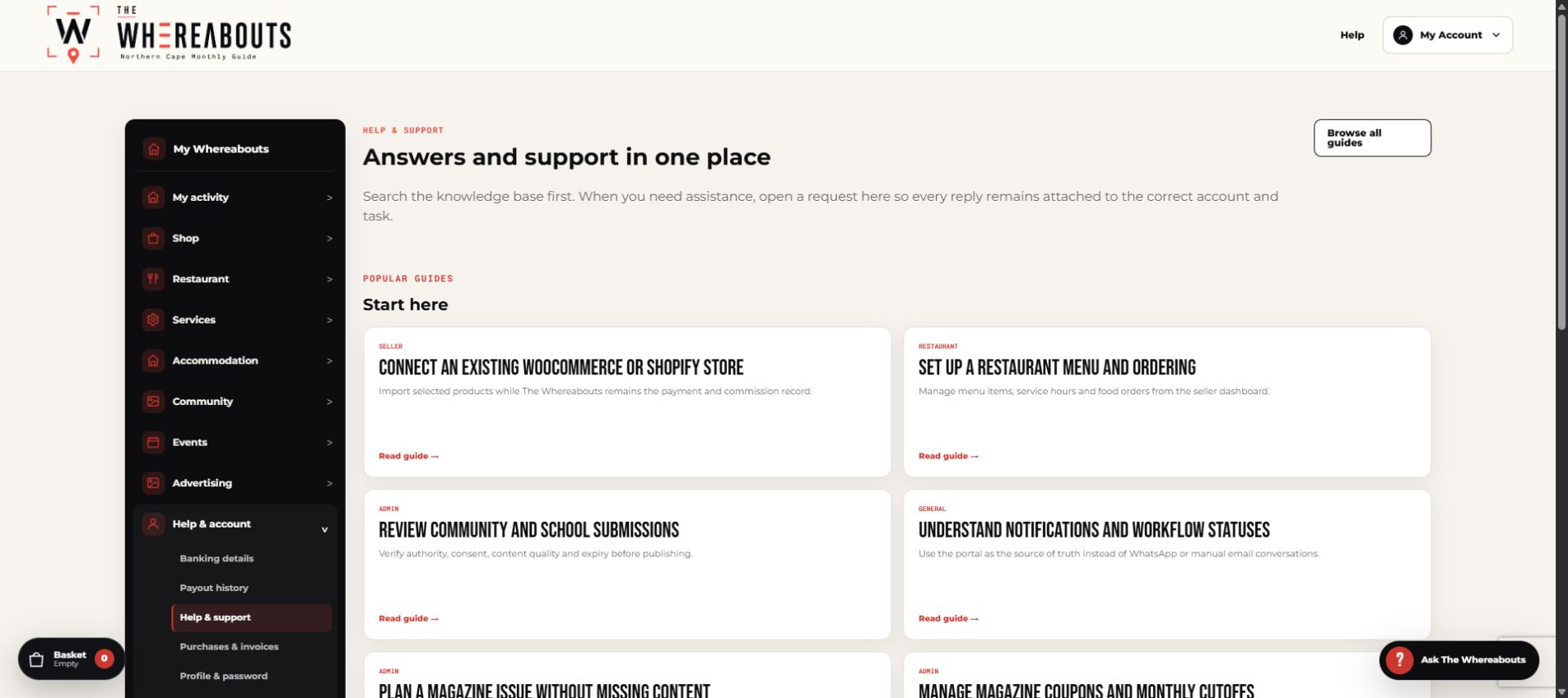
Use the portal as the source of truth instead of WhatsApp or manual email conversations.
- Step 1Open Notifications in My Whereabouts.
- Step 2Select an update to open the related booking, listing or submission.
- Step 3Complete the requested action inside the portal.
- Step 4Mark individual or all notifications as read.
- Step 5Transactional emails only alert you to return to the portal.
Get useful help quickly
- Open Support requests in My Whereabouts.
- Choose the closest topic and describe what you were trying to do, what happened and the page where it happened.
- Attach a screenshot that shows the full message and the relevant fields.
- Submit the request and watch My Whereabouts and your email for the reply.
Never include a password, one-time PIN, complete bank number or secret key in a support request.