

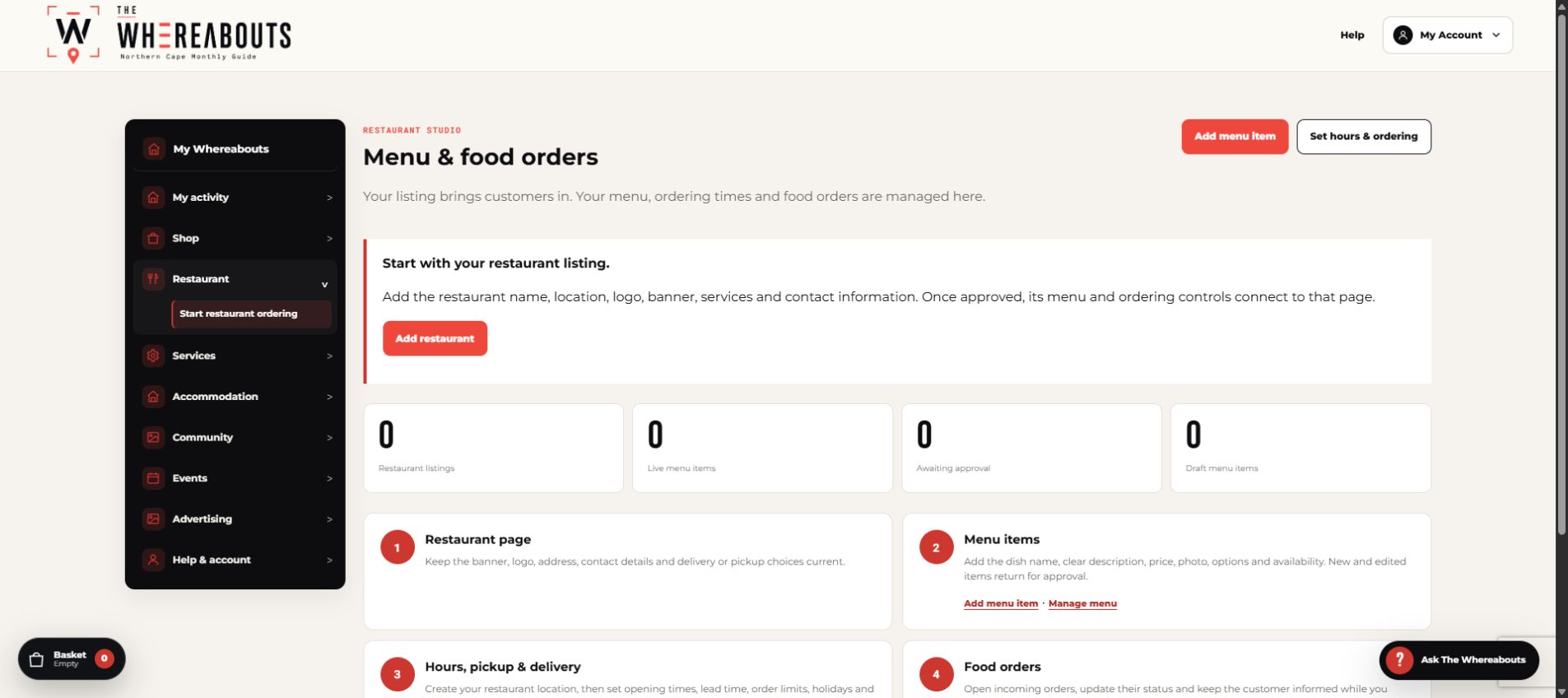
Complete the store profile and payout details before accepting orders. Vendors control their own delivery or collection methods, store terms, returns and customer service.
The marketplace fee is calculated on completed orders. Available balances are included in the scheduled monthly payout process according to the marketplace terms.
Set it up from start to finish
- Open My Whereabouts and choose Restaurant ordering.
- Complete the restaurant profile, collection or delivery choices, trading hours and order notices.
- Create clear menu sections such as Breakfast, Mains, Drinks and Extras.
- Add each item with its price, photo, description, options, availability and preparation notes.
- Place a test order and confirm that it appears in the restaurant order queue before accepting live orders.
Before publishing
- Use a wide, sharp banner and a transparent logo.
- Confirm allergens, option prices, minimum order rules and fulfilment times.
- Keep unavailable items switched off instead of deleting them.